
How to Collect Payments Directly on WhatsApp
Learn the step-by-step process to securely collect payments on WhatsApp in 2026, reduce checkout friction, and maximize conversions with native integrations and payment links.
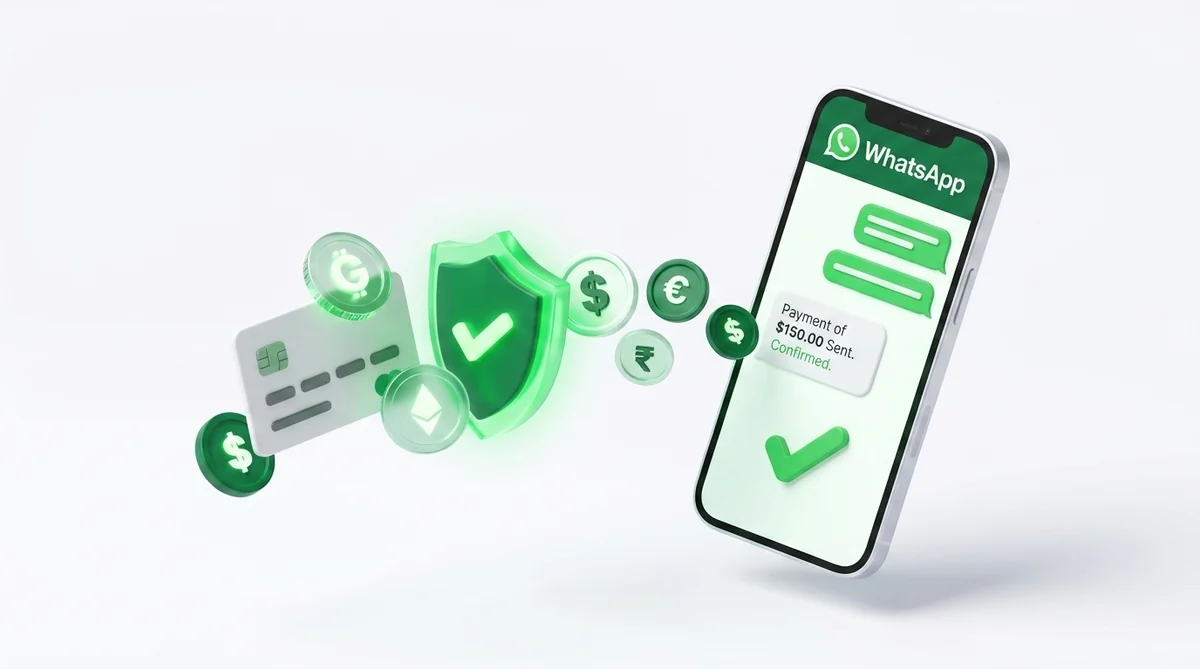
Why WhatsApp Payments are a Game-Changer in 2026
In the age of conversational commerce, reducing friction during the checkout process is critical. By keeping the entire customer journey—from product discovery to the final transaction—within the WhatsApp interface, businesses can minimize cart abandonment and significantly boost conversion rates.
Rather than redirecting users to a clunky external website, WhatsApp payments allow customers to pay natively. Whether they are buying retail products, booking services, or renewing subscriptions, a seamless in-chat payment flow builds trust and encourages repeat purchases.
How to Collect Payments on WhatsApp: Step-by-Step Guide
Whether you are using the free WhatsApp Business App or scaling with the WhatsApp Business API, setting up a secure payment workflow is simpler than ever.
Step 1: Choose Your Payment Strategy
Decide whether to use native in-app payments (like UPI in India) or integrated payment gateway links via a Business Solution Provider (BSP) like Samyoj.
Step 2: Connect Your Payment Gateway
Link your preferred payment processor (such as Razorpay, Stripe, or PhonePe) to your WhatsApp Business Manager via your chosen BSP.
Step 3: Configure Automated Checkout Workflows
Set up interactive chat flows with your product catalog. When a customer confirms an order, trigger an automated message containing the secure payment link or UPI request.
Step 4: Enable Real-Time Confirmations
Use webhooks to instantly detect successful payments and automatically send order confirmation receipts and shipping updates within the same WhatsApp thread.
Native UPI Payments vs. Payment Gateways
Native WhatsApp Payments (built on infrastructure like UPI in India) allow users to transfer funds without leaving the chat window at all. It's the most frictionless method available but is regionally restricted.
For global scale, integrating a Payment Gateway via the WhatsApp Business API is the best practice. By utilizing features like interactive buttons and in-chat webviews, you can deliver secure, customized checkout links that support credit cards, digital wallets, and international payments.
Ready to automate your WhatsApp payments?
Use Samyoj to connect your payment gateways, send interactive product catalogs, and collect payments instantly.
Start for FREE →
Security Best Practices for WhatsApp Transactions
Security is paramount when processing financial transactions over messaging platforms. Always rely on certified payment gateways and avoid building custom payment logic.
Never ask customers to type sensitive payment details (like credit card numbers or PINs) directly into the WhatsApp chat. Instead, always direct them to official, secure gateway screens or native platform integrations. Maintain a verified business profile to build trust and ensure all automated messages comply with Meta's commerce policies.
WhatsApp Payments Security FAQ
Are WhatsApp Payments safe for customers?
Yes. WhatsApp Payments utilize bank-grade encryption. Sensitive data like UPI PINs or credit card numbers are processed by regulated payment partners and are never stored on WhatsApp's or the merchant's servers.
Can I collect international payments on WhatsApp?
Yes, by integrating a global payment gateway like Stripe or PayPal via the WhatsApp Business API, you can send localized payment links to customers worldwide, directly in their chat window.
Do I need to pay extra fees to collect payments on WhatsApp?
WhatsApp itself does not charge a transaction fee. However, standard processing fees from your chosen payment gateway (e.g., Razorpay, Stripe) will still apply.
Scale Your WhatsApp Marketing with Samyoj
Samyoj is India's most reliable, transparent, and feature-rich WhatsApp Business API platform. Built specifically for growing brands, we help you automate customer support, run targeted broadcast campaigns, and recover lost revenue with zero per-message markup fees.