Click-to-WhatsApp Ads Cost in India: Budget, CPL, and CRM Tracking
How to estimate Click-to-WhatsApp (CTWA) ad cost in India: Meta Ads spend, conversation fees after the click, and CRM setup so CPL numbers are real.
What you pay for vs after the click
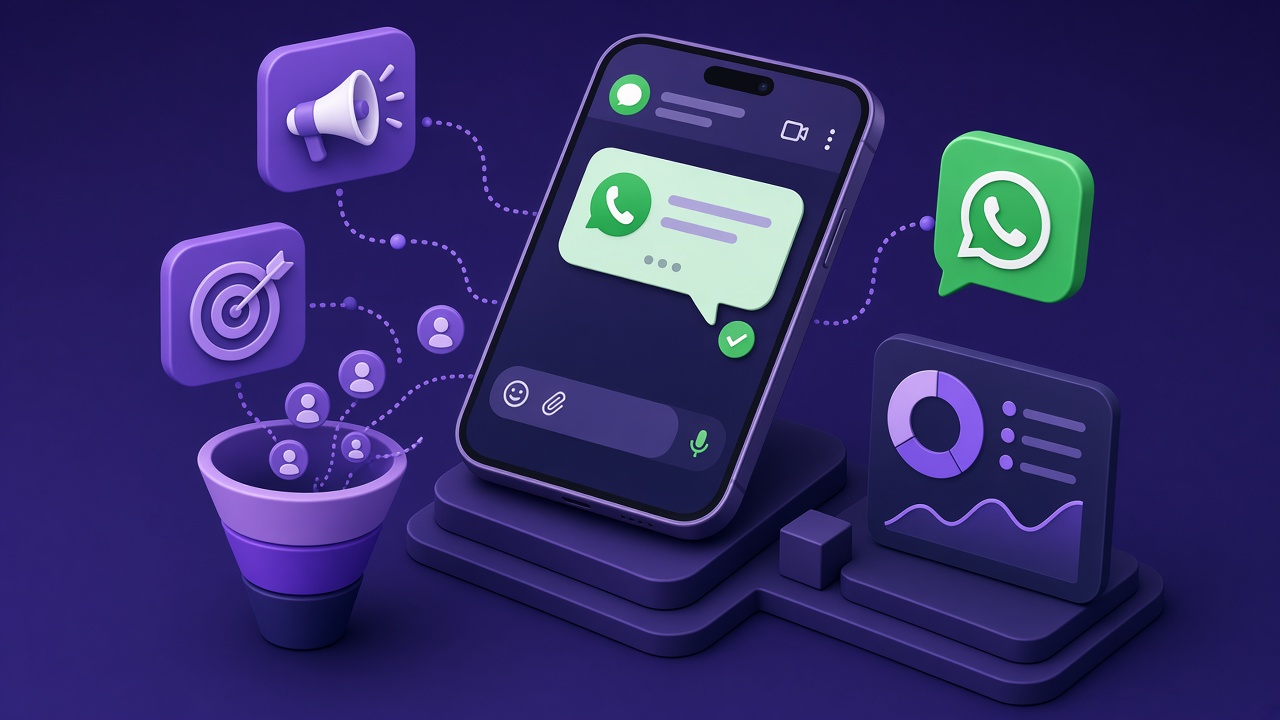
Click-to-WhatsApp ads are standard Meta ads with a WhatsApp destination. You pay for delivery in Ads Manager (CPM/CPC/CPA objectives per Meta’s ad auction). After a user opens WhatsApp and messages your business, WhatsApp Platform conversation charges may apply per Meta’s category rules—not inside Ads Manager’s CPC line item.
Meta documents CTWA setup in Business Help Center and developers’ marketing API guides. Samyoj’s setup walkthrough is in Click-to-WhatsApp Ads Setup.
CPL math without fake benchmarks
Cost per lead = total spend ÷ qualified leads you can verify in CRM. Do not copy generic “50% lower CPL” claims from landing-page comparison posts unless you have your own A/B test.
Segment:
- Cost per click-to-WhatsApp — Ads Manager.
- Cost per first reply — requires inbox timestamps.
- Cost per qualified opportunity — requires human or documented qualification rules.
India CPAs vary by vertical (education, health, D2C). Start with a capped daily budget, one audience, two creatives—then scale.
Creative and audience levers
CTWA often works when the ad promises a specific next step (“Get the fee structure on WhatsApp”) instead of a generic brand impression. Match the first auto-reply or human script to that promise within minutes; Meta’s policies still require truthful ad content.
Post-click costs: conversations & CRM
After the chat starts, utility or service conversations may be cheaper than marketing templates used for broad nurture. If your funnel sends a marketing template to everyone who never replied, you may double-pay (ads + marketing conversations).
Samyoj can centralize CTWA leads in the shared inbox and CRM; verify which automations are live on your plan before promising “instant qualification” in ad copy.
Measurement checklist
- UTM or Meta’s native parameters preserved into the inbox where possible.
- One owner per new thread within business hours; define off-hours behavior.
- Weekly export: ad spend, chats started, qualified, won—same definitions each week.
- Compare against CTWA vs landing pages only with your data.
Step-by-step: measure real CPL, not dashboard vanity
In Ads Manager, note spend and Click-to-WhatsApp clicks for one ad set.
In Samyoj inbox, tag every chat that arrived from that campaign (UTM or manual source tag).
Define qualified in writing: e.g. asked price + shared city + budget band.
Count qualified leads seven days after the ad set ends—late replies happen.
CPL = ad spend ÷ qualified leads. Compare to landing-page CPL only with the same definition.
Repeat with one new creative weekly; do not change audience, offer, and copy all at once.
After the click: costs people forget
Meta may bill a conversation when the customer messages you, depending on category and window rules. Samyoj software is separate. Train agents to reply inside the service window before firing expensive marketing templates.
Setup help: Click-to-WhatsApp ads setup.
Think like a marketing lead, not a software shopper
Most teams search click to whatsapp ads cost when WhatsApp already drives revenue—but ops is messy. Your buyer is usually performance marketers. They do not want another login; they want fewer missed chats and a number that still works after Diwali campaigns.
Success in 30 days is simple to say and hard to do: every inbound message has an owner within business hours, promotional sends use an approved template, and you can report cost per qualified WhatsApp lead without opening five apps.
Monday to Friday rhythm
Monday: review weekend chats; assign overdue threads.
Tuesday: template performance—any spikes in blocks?
Wednesday: ad → WhatsApp handoff audit if you run Click-to-WhatsApp.
Thursday: train one new macro reply; retire one spammy broadcast.
Friday: leadership snapshot—chats opened, qualified, closed (definitions unchanged week to week).
Words that confuse buyers (use carefully)
- BSP vs Tech Provider—verify on Meta’s partner directory; Samyoj is a Tech Provider today.
- Coexistence—keep Business App + API; eligibility is Meta’s call.
- Quality rating—not the same as star reviews; it affects sending limits.
When you are ready, start the 14-day Launch trial and keep this page open as your operating manual—not a one-time read.
Creative angles that match India buying behavior
Education: “Get fee structure on WhatsApp.” D2C: “Track my order on WhatsApp.” B2B: “Book a 15-min demo on WhatsApp.” The first auto-reply must mirror the ad—no bait-and-switch.
Budget pacing
Week 1: ₹500–₹2,000/day cap while you fix reply speed. Week 2+: scale only if qualified CPL beats your landing page baseline for the same offer.
Extra questions teams ask in week one
How long does WhatsApp API onboarding take?
Meta and your provider control the clock. A clean Standard signup can finish in a day; display-name or portfolio issues can add a week. Coexistence depends on Meta eligibility—not a promise from any vendor.
Do I lose my WhatsApp Business App chats?
On Standard Cloud API registration, the same number usually leaves the mobile app. On Coexistence, the app can stay—read Meta’s current coexistence docs before you promise staff anything.
What is the first template I should submit?
A utility template tied to a real process you already run—order update, appointment confirmation, or payment receipt. Marketing templates should wait until utility is approved and quality rating is stable.
How does Samyoj pricing work with Meta?
Public plans: Launch trial, WhatsApp ₹899/month, Multi-channel ₹1,499/month, five teammates, 200 AI credits/month on paid plans. Meta conversation charges bill at actuals without Samyoj markup on published Meta rates—confirm on pricing.
Can I run Click-to-WhatsApp ads on day one?
Only if the number is active, billing works, agents reply fast, and you can track leads in one inbox. Slow replies waste ad spend more than slow SEO.
What is a Meta Tech Provider?
A partner track for software on WhatsApp Cloud API. Samyoj uses this wording today. BSP is a different track—verify in Meta’s directory before sales collateral says “official BSP.”
How do I collect opt-in for broadcasts?
Checkbox at checkout, keyword opt-in, or signed form at events—document the wording. Never buy phone lists.
What happens at the 250-recipient limit?
Many new portfolios start around 250 unique recipients per rolling 24 hours. Plan campaigns accordingly; scaling requires Meta’s quality and verification path.
Should I connect Instagram on day one?
Only if someone will answer Instagram daily. Otherwise master WhatsApp on the ₹899 plan first.
Where do I get official policy updates?
Meta WhatsApp documentation and WhatsApp Business Terms—blogs summarize; Meta decides.
Primary sources: Meta WhatsApp Business Platform documentation, Meta WhatsApp pricing, WhatsApp Business Terms, Samyoj pricing. Figures change—verify on Meta before you budget or publish customer promises.